.svg)

Agentic AI for IT Support: What It Is and How It Works
Learn how agentic AI transforms IT support by autonomously resolving tickets, executing workflows, and working across systems with human oversight.

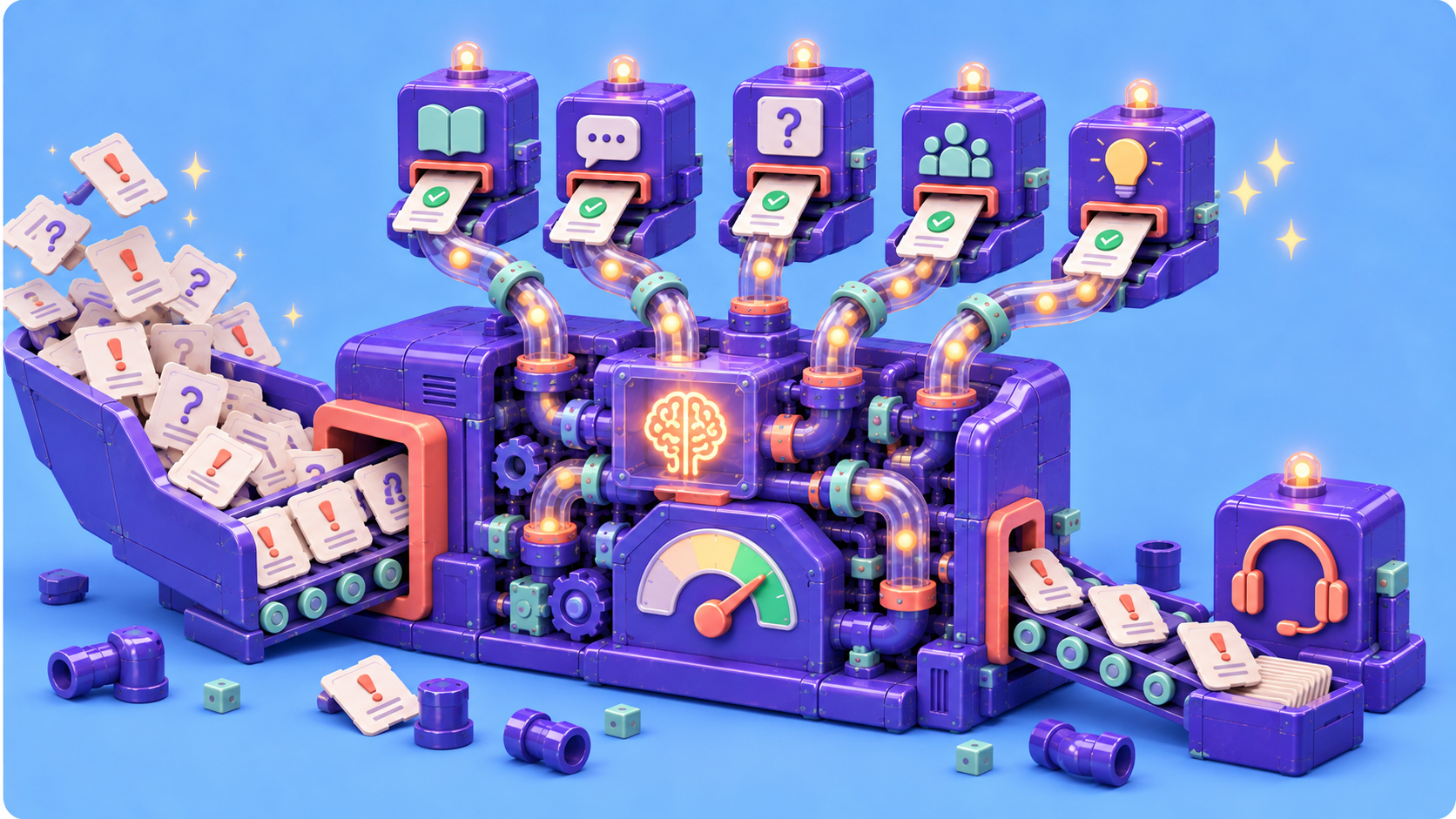
IT teams have lived with AI-assisted ticketing for years now. Suggested responses, intent classification, chatbots that surface a knowledge article. These have been standard service desk fixtures for a while. Agentic AI is not the next version of that. It is a different category.
The two get talked about as if they were the same thing, but they sit at different points on a spectrum of autonomy. Some AI systems primarily provide information or draft an answer for a human to act on. More agentic systems can plan and carry out actions across connected tools, with human approval added where the risk calls for it. And the pressure to understand that spectrum is real: Gartner has forecast that by 2029, agentic AI will autonomously resolve 80% of common customer service issues without human intervention, alongside a 30% reduction in operational costs. That is a forecast for customer service, not a measured outcome for IT help desks, but it illustrates the direction service operations are heading.
This guide explains what agentic AI actually means in IT support, how it works when a ticket comes in, and what it takes to adopt it. If you already know what a helpdesk is but aren't sure what separates an AI agent from a conventional chatbot, this is written for you.
What Is Agentic AI? (The Short Version)
Agentic AI is an AI system that perceives a situation, sets a goal, makes a sequence of decisions, takes actions across tools and systems, and adapts based on results with an appropriate level of autonomy.
That last clause matters. ITSM.tools describes agentic AI as systems that can make decisions, initiate actions, and complete tasks with varying levels of autonomy. In IT service management, that means going beyond assisting a service desk agent. Depending on its permissions and guardrails, the system may resolve incidents, automate workflows, manage routine operations on its own, or pause for human approval before higher-risk actions.
Compare that to what came before. Rule-based automation runs fixed if/then workflows with no reasoning; it can only do what someone scripted in advance. Conversational AI can be much smarter about language, including carrying on multi-turn conversations, generating responses, summarizing requests, and pointing to relevant knowledge. What makes a workflow more agentic is not simply whether it uses a chat interface, but whether it can reason through a goal and take appropriate action in connected systems.
Agentic AI closes that loop. It reasons, then it does.
How Agentic AI Works in IT Support
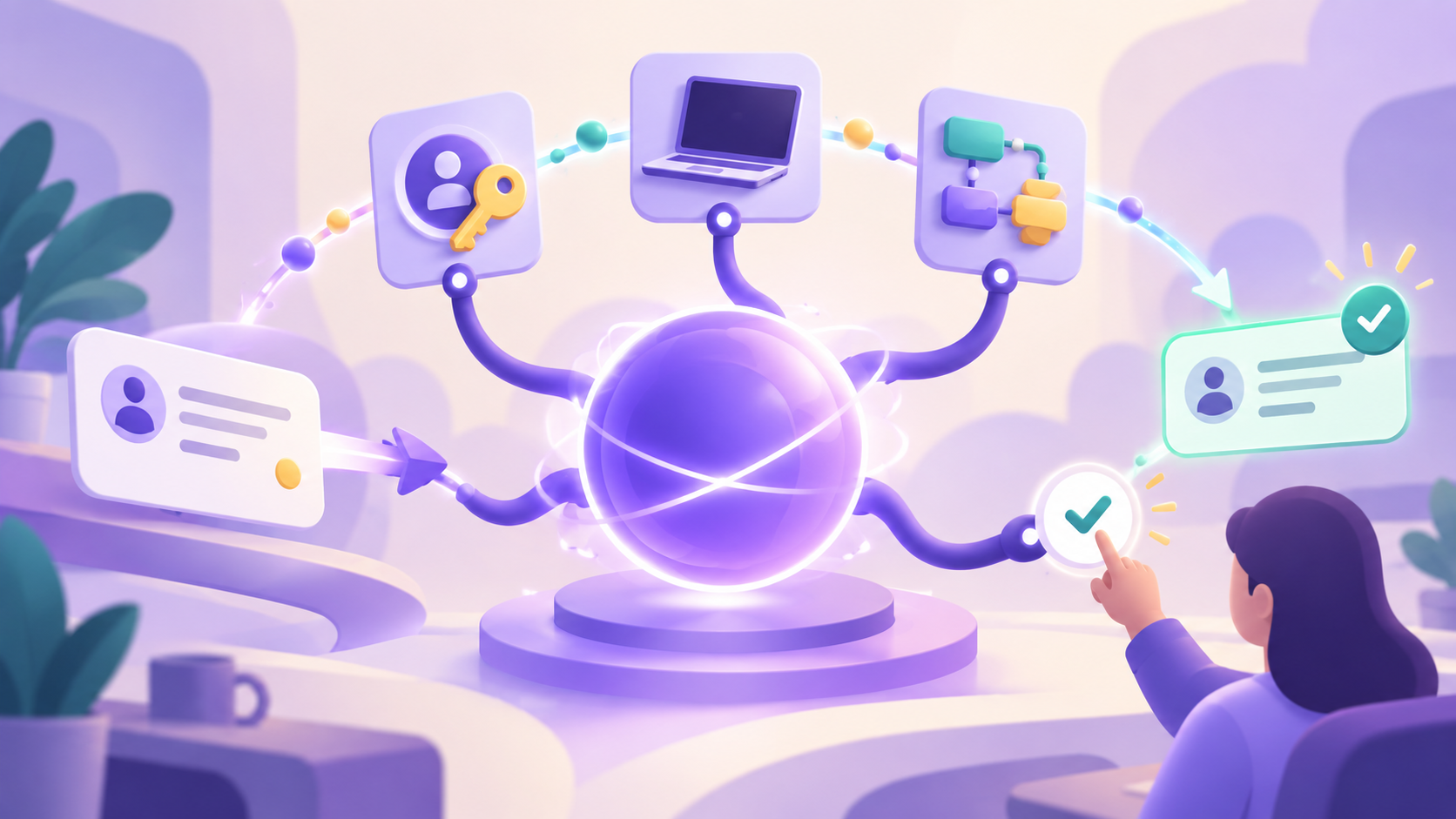
Picture a user locked out of their SSO account at 2 a.m. There's no one on the night shift. Under the old model, a ticket sits in a queue until morning, and the user loses half a workday. A sufficiently integrated agentic system could handle it differently, and walking through that flow shows the mechanics.
The agent moves through four stages: it perceives the request, reasons about it and sets a goal, executes actions across systems, and learns from the outcome. Rather than only returning a reset link, a system with the necessary integrations and permissions could execute the fix across systems. ITSM.tools puts it plainly: agentic AI executes fixes across systems rather than merely drafting them for a human to click through. Depending on the organization's guardrails, the agent might unlock the account automatically or request approval first, then update the identity provider, close the ticket, and notify the user.
This is also where the real work of adoption lives, because each stage depends on what the agent is allowed to see and touch.
1. Perception and Intake
Intake is how the agent ingests a request: from a ticket, a chat message, an email, or a monitoring alert. The source matters more than it looks, because it separates two very different postures.
Passive intake means the agent waits for a ticket, the way any helpdesk does. Event-driven intake means the agent notices an anomaly before a ticket exists. As Unisys describes it, agentic AI can move IT support from reactive ticketing to proactive response, detecting anomalies, correlating data, and initiating a repair path before a technician is even called. That proactive posture is one of the sharpest lines between an agent and a chatbot.
2. Reasoning and Goal Setting
Once a request lands, the agent interprets it, maps it to a known resolution path, and decides what actions to take. When no established path fits, it constructs one. That flexibility is the core of what makes it agentic.
This is a real departure from older, rule-based chatbots that lean on keyword matching or intent classification, slot a message into a predefined bucket, and return a canned response. Modern conversational AI can support more nuanced, multi-turn exchanges. Agentic behavior goes a step further by reasoning about the specific situation, chaining decisions together, checking results, and taking action rather than simply following a fixed script.
3. Action and Execution
Execution is where an agent earns the name. It authenticates into downstream systems and does things: calling APIs, writing to systems of record, triggering workflows, updating a ticket, notifying a user. That makes the breadth and depth of the platform's integrations central to what the agent can actually accomplish.
Those actions fall into recognizable categories. Account management covers password resets, provisioning, and de-provisioning. Device management handles configuration and MDM tasks. Knowledge base lookup pulls the right reference material. And escalation routing hands off cleanly to a human when the situation calls for one.
The onboarding case makes this concrete. A "new hire setup" request normally spawns a swarm of child tickets across identity, chat, productivity tools, VPN, and MDM, each fulfilled by someone clicking through a separate console. An agentic system reads the parent request, identifies every downstream system, provisions them in parallel, and only loops in a human when an exception needs judgment. A modern internal ticketing system provides the intake, routing, status tracking, and audit trail that keep those requests visible from start to finish.
4. Learning and Adaptation
Agents improve over time through feedback loops. Resolution rates get tracked, escalation patterns get studied, and the successful paths get reinforced. Unisys frames the payoff simply: each resolved incident is a chance to strengthen institutional knowledge and make the next response faster and more accurate.
That loop can extend into your knowledge base. A resolved ticket becomes a candidate article, where the agent drafts the write-up, flags which existing article to update, and surfaces it for human review before it goes live.
What Makes Agentic AI Different from a Helpdesk Chatbot
This is the question IT managers are actually sitting with, so it deserves a direct answer. A helpdesk chatbot and an agentic system can look similar in a demo. Both hold a conversation, both seem to "understand" a request. The difference shows up the moment action is required.
The distinction is best understood as a spectrum across four dimensions:
- Autonomy — Some tools primarily answer questions, while more agentic systems can take action. Depending on the guardrails, the system might perform a reset itself or pause for approval first.
- Multi-step reasoning — Both conversational assistants and agents can support multi-turn interactions. More agentic systems can also plan and execute a sequence of actions toward a goal, including across multiple systems.
- Proactivity — An agent can open a ticket before a user does, triggered by a monitoring signal. A chatbot waits to be spoken to.
- System access — Agents authenticate into and write to downstream tools. Chatbots surface information but don't change anything.
Put those together and the difference becomes clearer. Conversational AI can act as a smart front door, while increasingly agentic systems can also operate behind that door across your stack. Many products combine both capabilities rather than fitting neatly into one category.
There's a practical way to assess where a product sits on that spectrum: ITSM.tools suggests asking a vendor to live-demo a multi-system workflow. Look at which decisions and actions the system can handle independently, where it pauses for approval, and whether those checkpoints are intentional guardrails or signs that the workflow remains mostly manual. Human approval does not make a workflow non-agentic; the important question is whether the system can plan, act, and adapt within the boundaries you set.
Practical Considerations Before You Adopt
The trajectory is real, but so is the gap between using AI and running it autonomously. McKinsey research finds that 88% of organizations use AI in at least one function, yet only 23% are scaling an agentic system. Adoption and production are not the same milestone.
Where teams stumble is rarely the model itself. In the State of Agentic AI in ITSM 2026 survey of 256 ITSM professionals, the top barriers were poor data quality at 32%, governance and compliance concerns around autonomous actions at 30%, and a lack of internal skills to deploy and manage agentic AI at 24%. None of those is a vendor feature you can buy your way past. They're readiness questions.
IBM's research found that organizations with foundational capabilities in place — change management readiness, AI governance, data governance, real-time data integration, and system interoperability among them — are 5.4 times more likely to succeed with autonomous workflow adoption. The four considerations below map to that groundwork.
Integration determines how much useful work an AI agent can carry through to completion.
1. Integration Depth
An agentic AI is only as useful as the systems it can touch. If it can't authenticate into your identity provider or write to your ITSM records, its autonomy is theoretical. Before you evaluate any agent, assess what APIs and service integrations your ITSM platform, identity provider, MDM, and monitoring stack actually expose. Integration is the constraint most likely to cap what an agent can do on day one.
2. Guardrails and Human Oversight
Full autonomy is a spectrum, not a switch. Decide which action categories can run unattended and which require human approval. Privilege escalation and bulk account changes usually belong in the approval bucket. Most mature deployments start with a narrow autonomous scope and widen it as trust builds. Starting small is how you keep a mistake from becoming an incident. Any vendor evaluation should also include a review of its security practices, particularly how it handles access, data, and third-party systems.
3. Trust and Transparency
IT stakeholders need to know what the agent did and why. Audit logging, decision traces, and clear escalation paths aren't nice-to-haves; they are preconditions for organizational buy-in. This is not a solved problem across the industry: Deloitte found that only 21% of companies have a mature model for overseeing autonomous AI agents, even as deployments climb. Transparency is what lets a skeptical stakeholder sign off.
4. Change Management
The service desk team's role shifts from ticket-handler to agent-supervisor. That's a workflow and culture change, not just a tooling swap, and it deserves explicit attention. It also answers the question people quietly ask: is AI replacing tech support? The honest answer is augmentation, not replacement. IBM's research points to change management readiness as the single greatest source of lift among all the foundational capabilities.
Agentic AI in IT support is early but moving fast. Teams that understand the mechanics now — perception, reasoning, action, learning, and the guardrails around all four -- are the ones equipped to tell what's genuinely agent-capable from what's rebranded automation. That clarity is what puts you in a position to evaluate vendors or make the internal case with your eyes open.
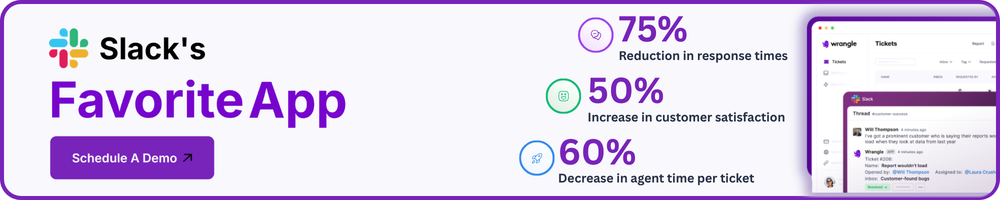
Bring AI-Powered IT Support Into Slack With Wrangle
Wrangle's agentic AI capabilities bring support into the place employees already work. Wrangle uses your knowledge base and ticket history to answer common questions, support smarter multi-turn conversations, suggest agent-ready responses, route and escalate requests, apply tags, and help keep ticket status current directly in Slack. Your team gets faster support without losing the visibility and human oversight needed for more complex issues.
Wrangle is also building custom agents for customers that need deeper automation, such as unlocking an SSO account or provisioning access across connected systems. These tailored workflows extend beyond Wrangle's core product today, but they show how organizations can move toward greater autonomy while retaining approvals and other guardrails where appropriate.
Book a live demo to see how Wrangle can support your IT workflows.
Wrangle learns from your tickets and knowledge base to handleup to 75% of Slack questions automatically.


4.7 Average rating


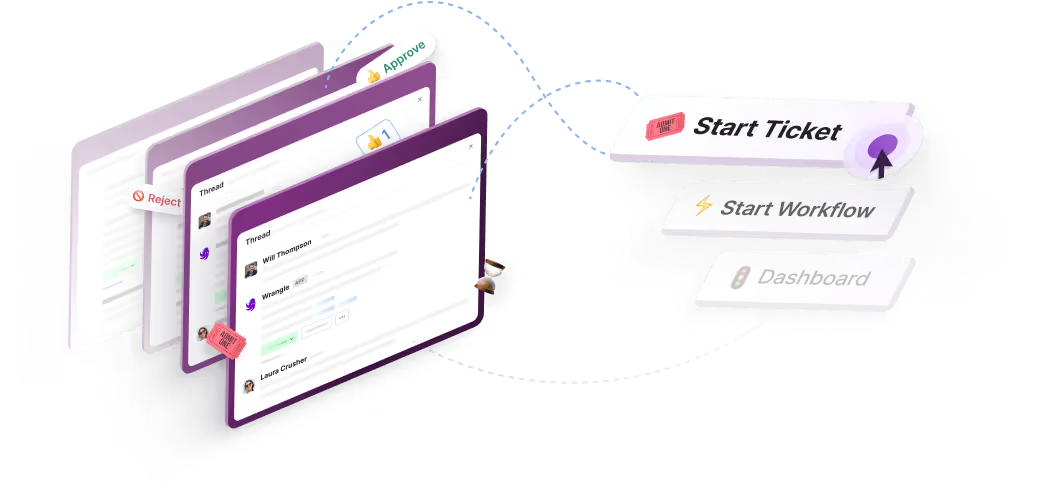
Turn Slack into a productivity powerhouse with Wrangle
Create a scalable helpdesk in Slack. Automatically turn messages into trackable tickets and provide faster, more transparent service to your colleagues and customers with Wrangle — Try it free!
Wrangle learns from your tickets and knowledge base to handleup to 75% of Slack questions automatically.
4.7 Average rating