Introducing Wrangle MCP: Turn your ticket data into insights and action
Connect Claude and ChatGPT to Wrangle with MCP. Explore ticket data, analyze team performance, and create or update tickets using natural language.

Your Wrangle tickets contain more than requests. They capture recurring problems, employee needs, team decisions, and the context behind the work. Now, you can put that information to work from your AI tools.
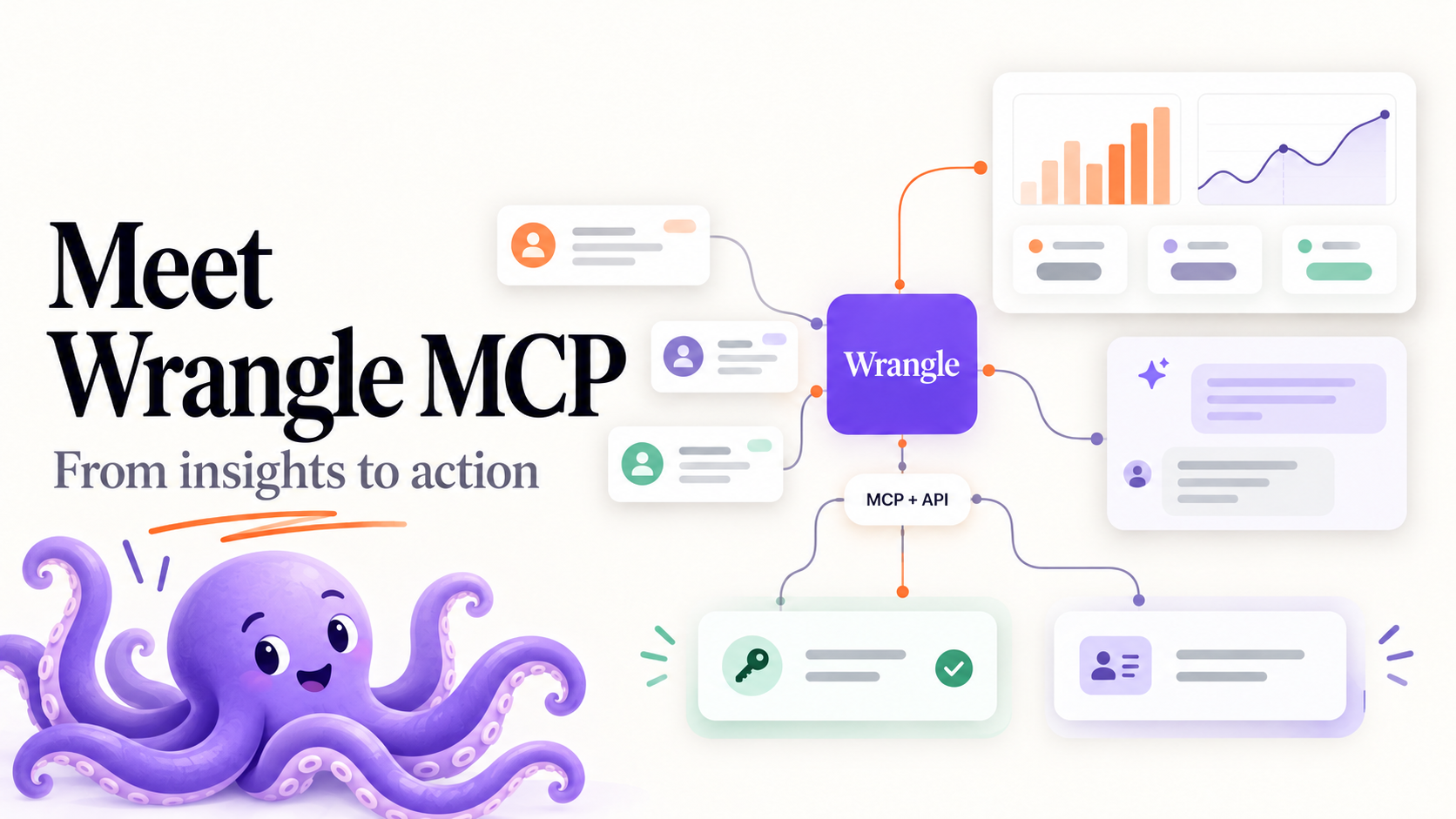
The new Wrangle MCP Server connects Claude, ChatGPT, and other compatible AI tools to Wrangle. Ask questions about your tickets, analyze team performance, or create and update requests in plain language (MCP documentation).
Slack describes Wrangle "as ticketing that does not feel like ticketing." The MCP builds on that power by bringing conversational ticketing to your agents as well. Together with the Wrangle API, MCP opens up more ways for human and AI agents to work with Wrangle: understanding what’s happening, deciding what needs attention, and moving work forward across your tools.
Get more from the data you already have
A good report answers a question. A useful conversation lets you keep asking.
With Wrangle connected to your AI assistant, you can start with “How many IT tickets did we receive last month?” and follow up with “Which requests came from Finance?” or “Compare resolution times for high and normal priority tickets.”
Wrangle MCP gives your assistant access to ticket search, conversations, and reporting tools. You can explore request volume, response and resolution times, CSAT, and agent performance, then dig into individual tickets for context.
For example, you could ask Claude to:
- Build a custom dashboard showing ticket volume, resolution times, and CSAT for your IT inbox.
- Prepare a team review comparing this quarter’s performance with last quarter’s.
- Find opportunities to improve support by reviewing common requests and suggesting canned replies.
- Summarize a handoff with the request details and recent conversation.
A custom Claude dashboard is one example of what becomes possible when your AI tool can retrieve Wrangle data directly. You can ask for a view built around your team’s questions, then refine it as you explore.
Move from understanding to doing
Once you’ve found something that needs attention, you can act on it from the same conversation.
Ask your assistant to create a ticket for a new hire’s laptop, assign an unowned request, change a priority, or mark a resolved issue complete. Wrangle MCP supports creating and updating tickets, so your assistant can help maintain the work as well as explain it.
For human agents, that means less time switching between tools and reconstructing context. For AI agents, it provides a way to work with the requests, ownership, and status information your team already maintains in Wrangle.
Connect the request to the work in other platforms
Many requests need an action somewhere else before they’re truly complete. An access request might require a change in Okta. An employee request might require an update to your HRIS.
Wrangle MCP and the API give you complementary ways to connect those steps.
MCP lets an AI assistant retrieve context and work with Wrangle tickets during a conversation. The API and webhooks let you build integrations that respond to events and exchange information across systems.
As we covered in Wrangle API Updates: Webhooks, Message Sync, and More Connected Workflows, those building blocks include ticket webhooks, message syncing, conversation history retrieval, and access to ticket followers.
With the appropriate connections to your other platforms, you could build processes such as:
- Granting access in Okta. An agent reviews the request and approval context in Wrangle, uses a connected Okta tool to grant access, and updates the Wrangle ticket when the work is complete.
- Updating your HRIS. A ticket change triggers an integration that updates an employee record, with a confirmation sent back to the request.
- Coordinating onboarding. An event in your HR system starts a Wrangle workflow through the API, while an AI assistant helps your team review related tickets and identify outstanding work.
These are processes you can build using Wrangle alongside the relevant platform’s tools or APIs. Wrangle holds the request and its context; the connected systems carry out the actions.
More ways for people and AI to work together
Some work follows a predictable path: when a ticket changes status, update another system. Other work needs interpretation: read the conversation, understand what’s missing, and help someone decide what to do next.
The API and webhooks support those repeatable connections. MCP brings Wrangle into the AI conversations where people investigate, plan, and act.
Together, they give your team more flexibility to combine human judgment, AI assistance, and automation around the way you work.
Connect your AI tools to Wrangle
Wrangle MCP is available for Slack workspaces on the Scale plan, and during workspace trials.
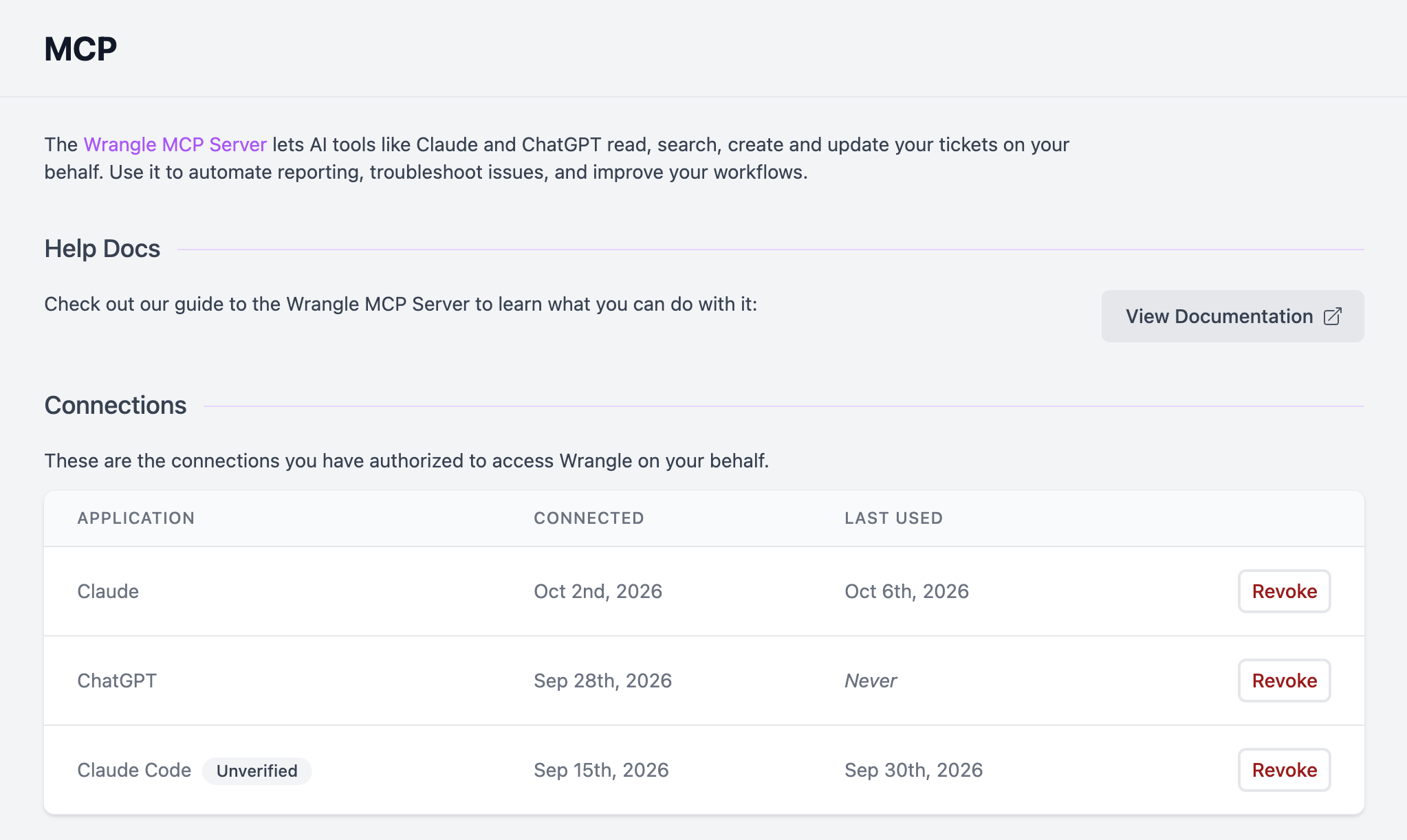
Connections use OAuth sign-in, so there’s no API key to copy. Each connection uses your Wrangle permissions: your assistant can only access information you can see and make changes you’re authorized to make. Admins can manage MCP access across the workspace.
Ready to explore your data or connect your next process? Start with the Wrangle MCP setup guide, or revisit our API announcement for more ways to connect Wrangle with the rest of your stack.
Wrangle learns from your tickets and knowledge base to handleup to 75% of Slack questions automatically.


4.7 Average rating


Turn Slack into a productivity powerhouse with Wrangle
Create a scalable helpdesk in Slack. Automatically turn messages into trackable tickets and provide faster, more transparent service to your colleagues and customers with Wrangle — Try it free!
Wrangle learns from your tickets and knowledge base to handleup to 75% of Slack questions automatically.
4.7 Average rating