.svg)

Product Update: Smarter Routing, Email Ticketing, Microsoft Teams, and AI Enhancements
Wrangle’s latest updates: Microsoft Teams ticketing, email support, smarter routing, AI web search, SLA tracking, and more.


We started the year strong and we’re not slowing down! Here’s the latest batch of improvements and additions to Wrangle to help you automate your operations within Slack and beyond.
💬 Ticketing for Microsoft Teams:
You can now create and manage Wrangle tickets directly in Microsoft Teams! Your team can turn any Teams message into a ticket and track it seamlessly; no app switching required.
✉️ Create Tickets via Email:
Supporting users outside your Slack workspace is easier than ever. You can now link email addresses to your Wrangle inboxes, letting external users reach your agents through email while your team continues managing everything in Slack.
.avif)
🔀 Contextual Ticket Routing:
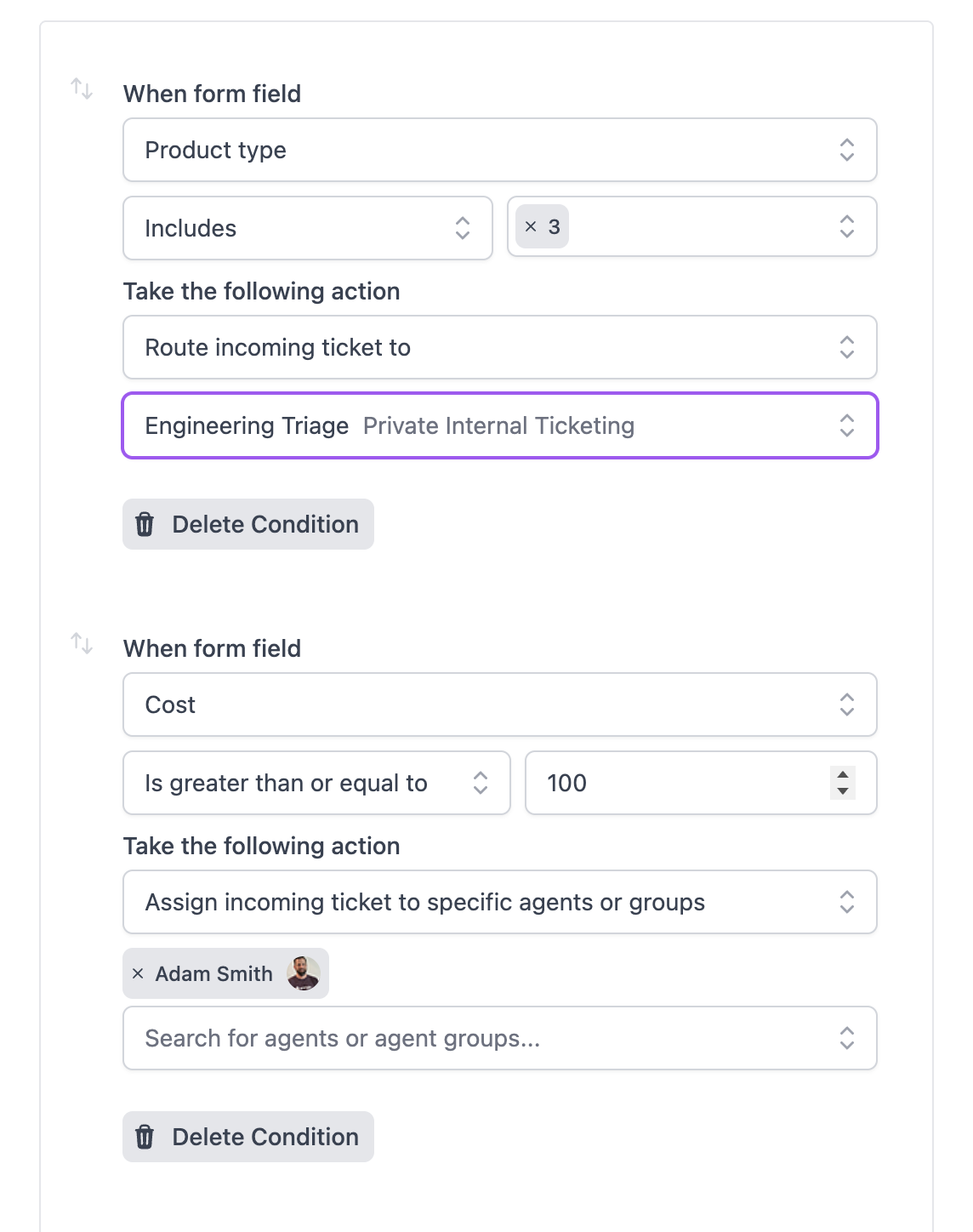
Route incoming tickets more efficiently with expanded routing options. Assign tickets to specific agents based on form field values, so the right request always lands with the right team.
🔒Private Agent Only Form Fields:
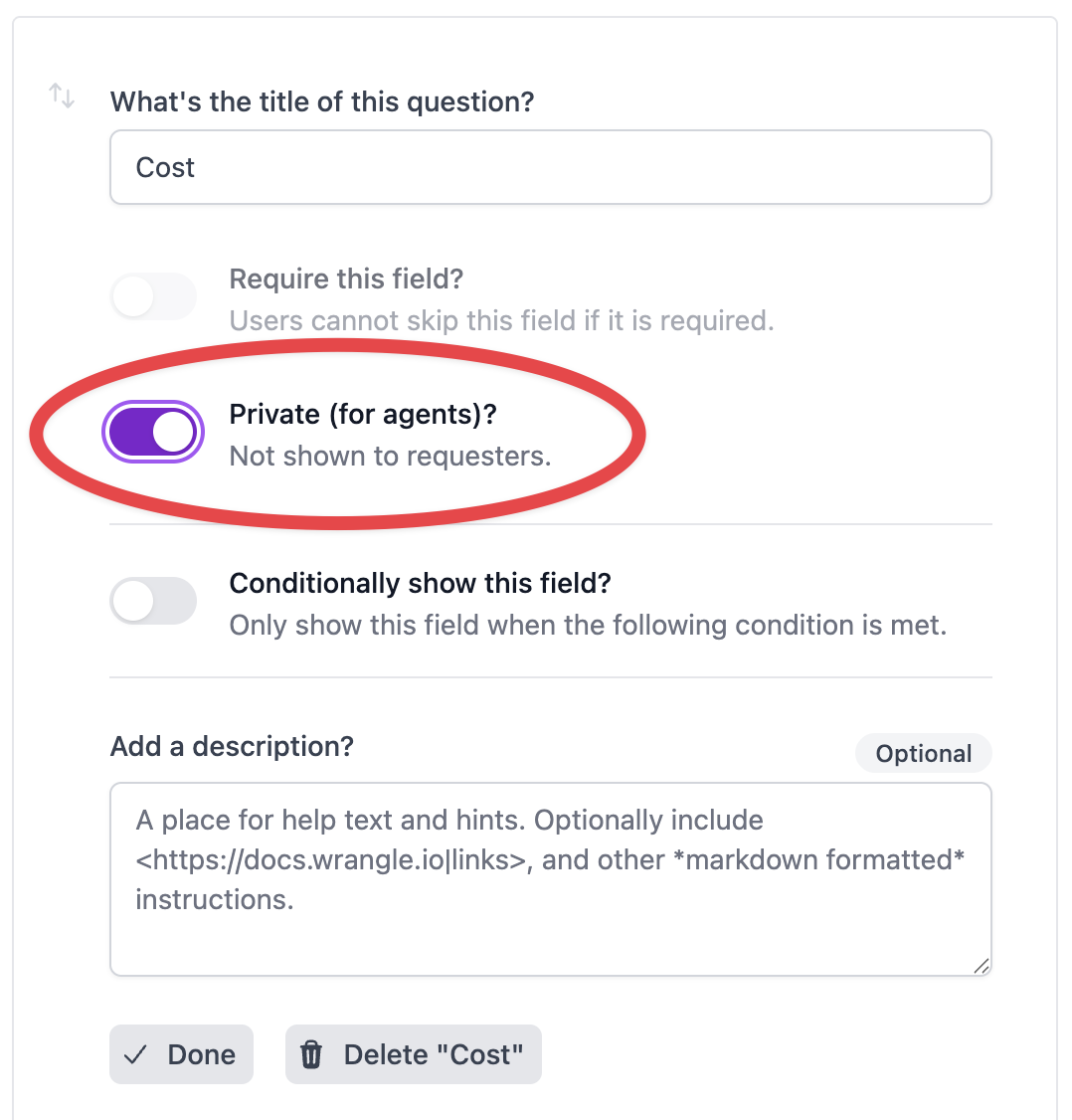
Keep internal resolution notes and agent-only information where it belongs. Agents can now add private data to any ticket; visible only to agents, from both Slack and the web. Simply add a new custom form field, and mark it as agent-only.
👥 Improved Follower Capabilities:
Adding followers is now as simple as an @mention in any ticket thread. Want to allow your requesters and agents to set followers at ticket creation time? You can do that too now, with newly added default form field controls for followers. We’ve also made it easier to filter by followers on your tickets dashboard; select the new followers option in the Show menu and select the followers you want to use in your filters.

🔍 Web Search for AI Tools:
You can optionally allow web search for both AI Ticket Deflection and AI Copilot. When turned on, Wrangle surfaces contextually relevant search results to make AI replies more accurate and useful.

⏰ SLAs in the Tickets Dashboard:
Quickly find and act on tickets that are running late at both the response and resolution level. Open the Show menu on the Tickets Dashboard, add SLAs, and create saved filters to keep your team on track.

📒 Filters for Ticket Exports:
Your exports now automatically reflect any filters applied to your current Tickets Dashboard view, making it easier to zero in on exactly the data you need.
Wrangle learns from your tickets and knowledge base to handleup to 75% of Slack questions automatically.


4.7 Average rating


Turn Slack into a productivity powerhouse with Wrangle
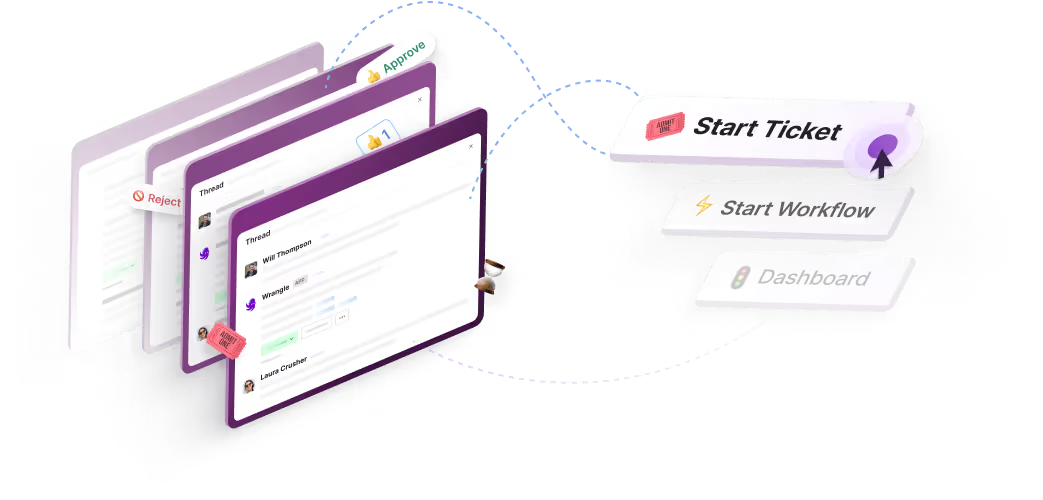
Create a scalable helpdesk in Slack. Automatically turn messages into trackable tickets and provide faster, more transparent service to your colleagues and customers with Wrangle — Try it free!
Wrangle learns from your tickets and knowledge base to handleup to 75% of Slack questions automatically.
4.7 Average rating