.svg)

Help Desk Solutions: How to Choose the Right One for You
Compare eight modern help desk solutions for IT and customer support, and learn how to choose the right platform based on features, AI, channels, and fit.

Picking a help desk tool sounds simple until you start looking. The category sprawls across IT support, customer service, cloud platforms, and on-premise systems, and most of them describe themselves in nearly identical language.
Picking a help desk tool sounds simple until you start looking. The category sprawls across IT support, customer service, cloud platforms, and on-premise systems, and most of them describe themselves in nearly identical language.
There's real pressure to choose well. A Gartner survey found that 91% of service and support leaders reported pressure from executive leadership to implement AI in 2026, with customer satisfaction, operational efficiency, and self-service success topping their priority lists.
But pressure to buy something doesn't tell you *what* to buy. This post walks through what a help desk solution actually is, the main types you'll encounter, a handful of tools worth knowing about, and how to weigh them against your own team's needs.
What Is a Help Desk Solution?
A help desk solution is software that centralizes incoming support requests, routes them to the right person, and tracks each one through to resolution. Instead of requests scattered across email inboxes and chat threads, everything lands in one place as a ticket. That single change is usually why teams go looking for a tool in the first place.
It helps to place the help desk against two adjacent terms you'll see constantly. ConnectWise frames the help desk as the frontline team resolving immediate end-user technical issues, while a service desk takes a broader, more process-driven view, and IT service management (ITSM) is the framework that ties everything together.
In practice, the help desk is Tier 1. SolarWinds describes it as the first point of contact for users facing issues: reactive by nature, prioritizing quick fixes like password resets and software glitches over deep root-cause analysis. That focus on speed is why these tools vary so much. A tool built to close tickets fast looks very different from one built to manage a full service catalog.
Types of Help Desk Solutions
Most tools fall into a few recognizable categories, defined either by who they serve or by how they're deployed. Knowing the type is the fastest way to narrow a crowded field.
The four below aren't mutually exclusive. A single product can be a cloud-based IT help desk, for example. But knowing which type you need clarifies which tradeoffs you're actually signing up for.
1. IT Support Help Desk
An IT support help desk handles internal technical issues: password resets, laptop provisioning, access requests, software bugs, and the steady stream of "it's not working" tickets. It's built for IT teams supporting their own organization's employees. These tools often lean toward asset management and knowledge bases, since the same categories of problems recur constantly.
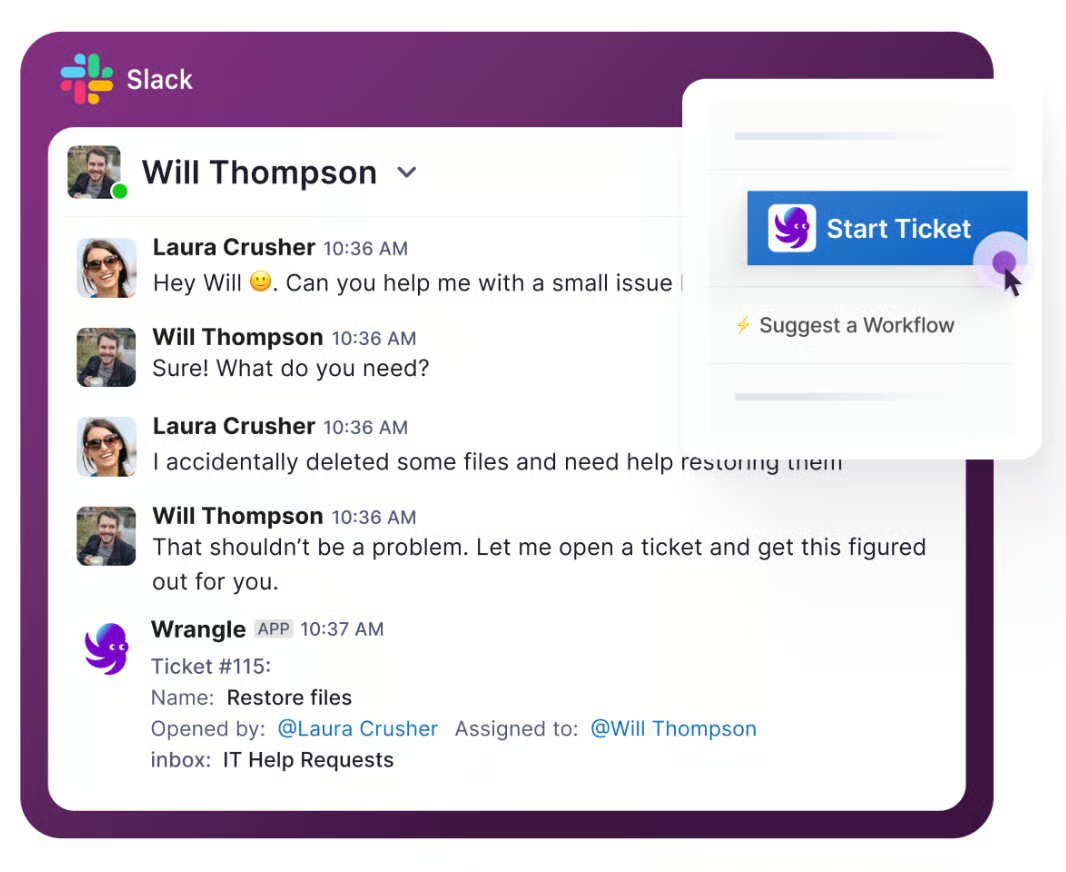
Some newer tools instead bring internal ticketing directly into Slack and Microsoft Teams, which can reduce the friction of asking for help. The tradeoff is that traditional IT help desks can feel heavy for a small team that just needs to track a few dozen requests a week.
2. Customer Service Help Desk
A customer service help desk is aimed outward, at the people who buy from you. It manages requests coming through email, chat, social media, and web forms, and it emphasizes response times and satisfaction.
This type tends to prioritize omnichannel intake and self-service portals, because customer expectations are unforgiving. For teams that already collaborate with customers in shared chat channels, external customer ticketing can turn those conversations into trackable requests without forcing customers into a separate portal. The tradeoff is that customer-focused tools may lack the IT-specific features an internal team relies on.
3. Cloud-Based Help Desk
A cloud-based help desk is hosted by the vendor and accessed through a browser, with no infrastructure for you to maintain. It's the default for most teams today. Remote and hybrid teams especially benefit, since everyone reaches the same system from anywhere. The main tradeoffs are recurring subscription costs and a reliance on the vendor for uptime, security, and data handling, so review each provider's security practices and compliance controls before committing.
4. On-Premise Help Desk
An on-premise help desk runs on servers you own and control. It appeals to organizations with strict data-residency, compliance, or security requirements that make handing data to a third party a non-starter. The upside is control; the downside is that you carry the full weight of hosting, updates, and maintenance. For most small-to-mid-size teams, that overhead outweighs the benefit, but in regulated industries it's sometimes the only option.
Help Desk Solutions Worth Considering
The tools below represent several different approaches to help desk software, from conversational ticketing to full-scale IT service management (ITSM). This is not an exhaustive ranking, and no product is universally best. The useful question is which one matches the way your team already works and the level of complexity you actually need.
1. Wrangle
Wrangle is an AI-powered ticketing and workflow platform built for Slack and Microsoft Teams. It supports internal teams such as IT, HR, Finance, Legal, and Operations, as well as customer-facing support through Slack Connect and email. That cross-functional range matters: the same platform can route an access request to IT, an onboarding approval to HR, a contract question to Legal, or a customer issue to CX without making each audience learn a separate portal.
Requests become trackable tickets with routing, SLAs, reminders, approvals, reporting, and full conversation history. Wrangle's AI can answer common questions from connected knowledge sources, assist agents with replies, and escalate unresolved requests to a person. For needs beyond the core product, Wrangle also works with customers to build custom agents that can take actions across their systems and support organization-specific processes.
Wrangle is best for organizations that want support to happen where employees or customers already communicate. It can operate as the primary ticketing system, but it can also add a conversational front end to an existing platform through integrations such as Jira Service Management and Zendesk. That gives teams a way to improve the requester experience without necessarily replacing the system of record behind it.
2. Jira Service Management
Jira Service Management is Atlassian's ITSM platform for managing service requests, incidents, problems, changes, and assets. It is especially well suited to IT and engineering organizations already using Jira and Confluence because support and development work can remain connected.
Teams can configure request types, queues, SLAs, workflows, forms, and approval steps, while users can submit requests through a help center, email, and connected collaboration tools. Jira Service Management is a strong choice when technical depth and integration with the Atlassian ecosystem matter more than offering the lightest possible requester experience. Organizations that want requests to begin and remain conversational can connect it with Wrangle so users work in Slack or Microsoft Teams while Jira remains the system of record.
3. Freshservice
Freshservice is a cloud-based ITSM platform that combines ticketing with service catalogs, asset management, automation, knowledge management, and AI features. Employees can raise issues through channels including a portal, email, Slack, and Microsoft Teams, and IT teams can manage the resulting work from a centralized interface.
Freshservice is a good fit for growing IT organizations that need more structure than a basic ticketing tool but want a product generally positioned as easier to adopt than a heavily customized enterprise platform. It also supports workflows across teams such as IT, HR, and Finance. However, organizations should determine whether they need its broader ITSM and asset-management footprint or primarily need straightforward conversational ticketing and approvals.
4. ServiceNow
ServiceNow is an enterprise platform for IT service management and broader business workflows. Its scope can include incident, problem, change, request, asset, operations, employee, customer, and other service-management processes. It is built for organizations that need extensive configuration, governance, reporting, and integration across a large technology environment.
That breadth is ServiceNow's main advantage, but it can also make the platform more than a smaller or less complex team needs. ServiceNow is most appropriate when the help desk is one part of a larger enterprise service-management strategy and the organization has the resources to implement and administer it. Teams mainly trying to organize requests in Slack or Microsoft Teams may prefer a lighter solution or use a conversational tool alongside their enterprise platform.
5. ConnectWise PSA
ConnectWise PSA is designed primarily for managed service providers. It combines service-desk ticketing with functions such as dispatch, time tracking, client and contract management, project work, reporting, and billing. That makes it fundamentally different from a lightweight internal help desk: it supports the business operations surrounding service delivery as well as the tickets themselves.
ConnectWise is worth considering when an MSP needs one system to coordinate technicians, customer agreements, and billable work. For an internal HR, Legal, Finance, or IT team that does not manage outside clients and contracts, much of that operational depth may be unnecessary.
How to Choose a Help Desk Solution
Start by identifying who will ask for help and who will provide it. An internal IT team, a customer-support organization, and cross-functional teams such as HR, Finance, Legal, and Operations may all need ticketing, but they do not need the same surrounding features. IT teams may prioritize asset management and change control. Customer-support teams may care more about omnichannel intake and satisfaction scores. Cross-functional teams often need flexible forms, routing, privacy controls, and approvals.
Next, decide where people should submit and discuss requests. A portal can create consistency, but it also asks users to leave the place where the question started. If most requests already arrive in Slack or Microsoft Teams, a conversational help desk can capture them there while still adding ticket ownership, status, SLAs, and reporting. If your organization already relies on an established platform, check whether a conversational tool can connect to it rather than forcing a complete replacement.
Then distinguish the workflows you actually need. Basic ticket routing is different from a purchase approval, employee onboarding process, or access request that must move through several people. Test the full workflow, including approvals and handoffs, rather than evaluating only the ticket screen.
Next, settle your deployment preference. Cloud is the default for most teams and removes the burden of hosting, but if data residency or compliance rules the decision, an on-premise option narrows your list quickly. Factor in scale too. A tool that fits ten agents may buckle at a hundred, and one built for enterprise volume can feel like overkill for a handful of people.
Then map your must-have features against what each tool actually does well. Ticket routing and SLA tracking are near-universal, but they matter more the moment response times slip. A SuperOffice study of 1,000 companies found an average email first response time of 12 hours and 10 minutes, with only 36% of companies responding within four hours—the kind of gap SLA tracking exists to close.
AI and automation deserve careful weighing rather than automatic inclusion. Gartner has predicted that by 2029 agentic AI will autonomously resolve 80% of common customer service issues, yet a separate Gartner survey found that 87% of customers say it's essential to have an option to reach a human agent when a company uses generative AI. Automation earns its place when it clears repetitive volume, not when it walls customers off from a person. Look for AI support features that can answer common questions while escalating complex requests to a human. If you have organization-specific actions you want AI to perform, ask whether the vendor supports custom agents and what human approvals, permissions, and audit trails govern those actions.
Two practical checks remain: integrations and price. Confirm the tool connects to the systems your team already lives in; review its available integrations, since a help desk that stands apart from your other tools creates more work than it saves. As for cost, treat pricing as a variable to verify directly with each vendor and compare current plan details, since rates shift by team size, tier, and feature set.
Shortlist two or three tools that match your team type and deployment needs, then run a trial with real tickets. Nothing reveals fit faster than watching your own workflow move through the system.
If your team already works in Slack or Microsoft Teams, Wrangle lets you manage requests where those conversations already happen while adding the structure of routing, SLAs, approvals, reporting, and AI assistance. Start a free 14-day trial to see how Wrangle handles your team's real support requests—no credit card required.
Wrangle learns from your tickets and knowledge base to handleup to 75% of Slack questions automatically.


4.7 Average rating


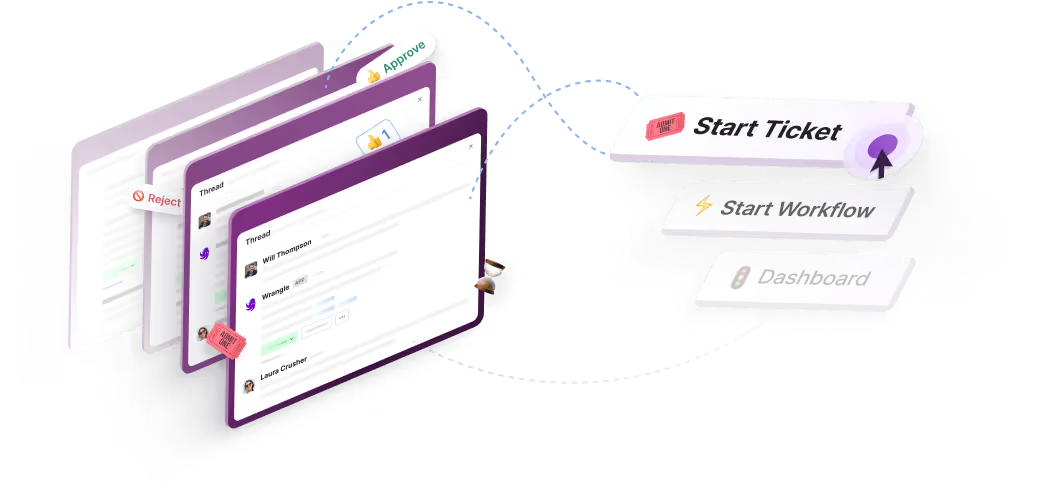
Turn Slack into a productivity powerhouse with Wrangle
Create a scalable helpdesk in Slack. Automatically turn messages into trackable tickets and provide faster, more transparent service to your colleagues and customers with Wrangle — Try it free!
Wrangle learns from your tickets and knowledge base to handleup to 75% of Slack questions automatically.
4.7 Average rating