.svg)

AI Agent Solutions for Customer Support: 8 Options Compared
Compare 8 AI agents for customer support on channel fit, ticketing, automation, and escalation to find the right tool for your team.

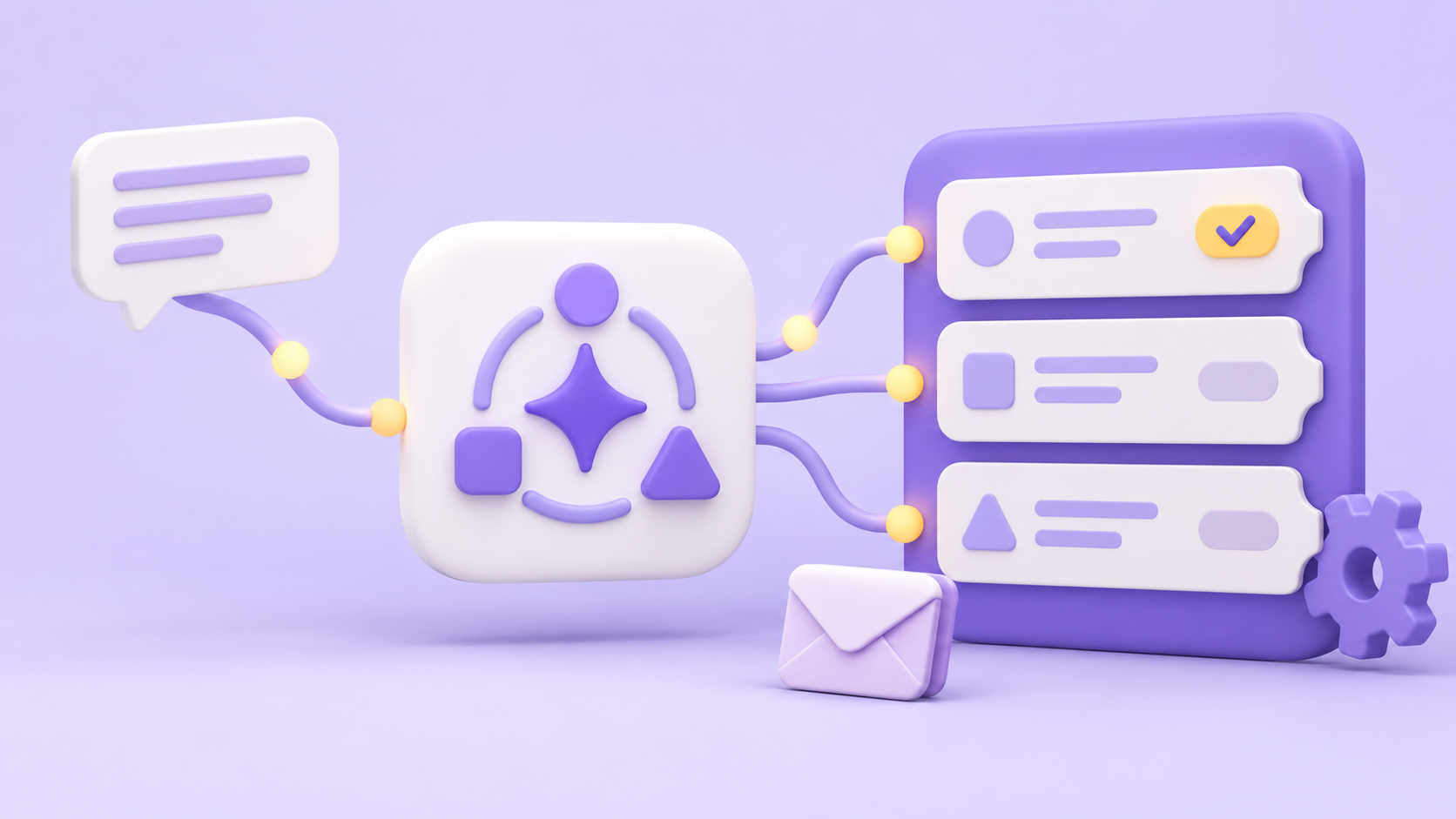
Choosing an AI agent for your support team comes down to one question most comparison posts skip: does it meet your team where they already work? If your agents live in Slack or Microsoft Teams, a tool that pulls them into a separate portal is friction, not help.
This post compares eight options on the criteria a buyer close to a decision cares about: what each is built for, who it suits, and how it handles a support request from first message to resolution.
Wrangle is one of those eight. It's AI-powered ticketing and workflow automation for internal and external teams across Slack, Microsoft Teams, and email, and it earns its place here because it answers the channel-fit question directly. We'll come back to where it fits, and where it doesn't, as we go.
What Is an AI Agent for Customer Support?
An AI agent for customer support is software that handles incoming support requests on its own: it answers questions, routes tickets, and escalates to a human when it can't resolve something, without making the requester leave the channel where they asked.
The difference between this and a basic chatbot is intent. A chatbot follows a script and a decision tree, so it breaks the moment a question falls outside its rules. An AI agent reads what someone is actually asking, acts on it, and hands off cleanly to a person when the request needs one, carrying the context with it.
What to Look for Before You Choose
Before comparing names, weigh the tool against how your team actually works. These five criteria separate a tool that fits from one you'll fight.
1. Channel Fit
The first question is whether the tool works where your team already is. A support agent who has to switch out of Slack or Microsoft Teams to pick up a ticket loses time and context on every request. Meeting people in the channel they already use means more requests get captured, including the ones that would otherwise disappear into a busy thread.
2. Deflection and Escalation Quality
A good AI agent resolves the routine questions before a human ever sees them, and escalates the rest without dropping anything. Look at how it draws on your knowledge: connected docs, past tickets, and internal pages. What matters is how much it deflects accurately, not how much it simply answers.
3. Ticketing and Workflow Depth
Deflection alone isn't support. When a request needs a person, the tool has to own the ticket: assign it, route it, track its status, and hold it to an SLA. Depth also means the recurring work around support, such as approvals, intake forms, and structured processes, lives in the same place rather than in a second system.
4. Reporting and Visibility
You can't scale what you can't see. The right tool shows response times, workload across the team, and where requests get stuck, so managers can staff and prioritize from data rather than guesswork. Visibility also builds accountability: clear ownership and status visibility for the appropriate requesters and team members are tickets that don't slip.
5. AI Transparency
When the AI acts, you should be able to tell what it did and why. A clean handoff keeps the full conversation intact, so the person picking it up isn't starting cold. Transparency also means an agent can review the AI's suggestions before they go out, rather than sending them blind.
When the AI acts, you should be able to tell what it did and why.
8 AI Agents for Customer Support
The eight tools below offer different approaches to customer support. Each entry explains what the tool is built for and how it handles customer requests, so you can find the best fit for your team.
1. Wrangle
Wrangle is AI-powered ticketing and workflow automation for internal and external support teams working in Slack, Microsoft Teams, and email. Wrangle tracks customer requests through Slack Connect and lets agents handle email conversations from Slack threads.
It turns requests from any of those channels into tracked tickets with owners, statuses, priorities, routing, and SLAs, and it pairs that ticketing with no-code workflows for recurring processes like approvals, onboarding, and access requests, so chat-based support and structured work sit in one product.
Wrangle AI answers common questions from connected knowledge such as Notion pages and uploaded documents, and when it can't resolve something, the same conversation becomes a tracked ticket with context intact.
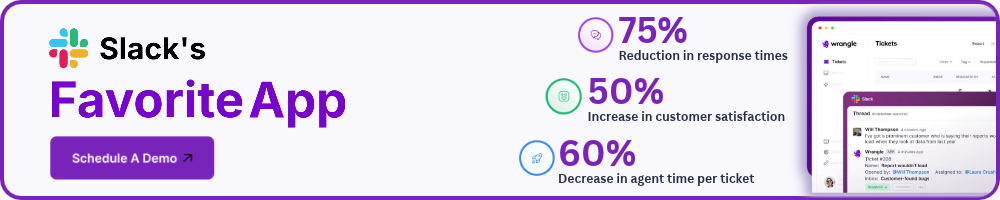
Wrangle reports that its AI deflects more than 75% of common questions before they reach a human. It suits teams that want conversational ticketing, workflow depth, and AI deflection without leaving chat, and Wrangle reports customers have seen 60% faster ticket response times and a boost of 50% or more in customer satisfaction.
It's also the only one of the tools here with a native Slack Workflow Builder integration. If your support runs entirely through a traditional email-and-portal help desk with no chat presence, that channel advantage matters less to you.
2. ClearFeed
ClearFeed is a support and ticketing tool built for teams running customer and internal support through Slack. It converts shared-channel and internal conversations into tracked requests and connects to external help desks so those requests can be worked alongside existing tooling.
It's built for teams whose support conversations already happen in Slack and who want structure layered onto them.
3. Suptask
Suptask is a ticketing system built to run inside Slack, turning messages into tickets without a separate portal. It handles ticket creation, assignment, and tracking from within the conversation, aimed at teams that want their support queue to live where they already talk.
It's built for organizations standardizing support on Slack rather than a standalone help desk.
4. Ravenna
Ravenna is an AI-powered help desk aimed at internal support teams such as IT and operations. It applies AI to answering and triaging requests and ties them into ticketing so routine questions can be resolved and the rest routed to the right owner. It's built for teams looking to automate a high volume of repetitive internal requests.
5. Pylon
Pylon is a support platform built for B2B companies managing customer relationships across channels including Slack, email, and others. It centralizes customer conversations and tickets so account-facing teams can track issues across many shared channels at once.
It's built for customer success and support teams handling ongoing B2B relationships rather than high-volume anonymous tickets.
6. Plain
Plain is a support tool built for product and engineering-led companies that want support integrated into their own systems. It takes an API-first approach with customizable workflows so teams can shape support around their existing stack. It's built for technical teams that want support wired into their product and tooling directly.
7. Unthread
Unthread is a support and ticketing tool for teams handling requests through Slack, including customer-facing shared channels. It captures conversations as tickets, routes them, and applies automation to manage the queue inside chat. It's built for teams running support through Slack that want automation and tracking on those conversations.
8. Serval
Serval is an AI-focused tool for internal support, applying AI agents to employee requests in areas like IT and HR. It uses AI to resolve and route common internal questions and connect to the systems those requests touch. It's built for internal teams prioritizing AI-driven automation of employee support.
How to Choose the Right AI Agent for Your Support Team
Start with channel fit, because it's the constraint everything else sits inside. If your team lives in Slack or Microsoft Teams, the tool has to meet them there, not ask them to log in somewhere else to do their job.
A tool that captures requests in the channel where they're asked catches the ones that would otherwise get lost in a busy thread, and it spares your agents the context switching that quietly drops requests on the floor.
Then weigh scope. Deflection is valuable, but if you need more than answers, confirm the tool actually owns the ticket: assigns it, routes it, tracks it to resolution, and holds it to an SLA. This is where Wrangle fits for teams in chat.
It turns Slack, Teams, and email requests into tracked tickets, runs the recurring work like approvals and intake forms through no-code workflows in the same product, and connects to Slack Workflow Builder natively, so support and the processes around it don't live in two systems.
Finally, look at scale and AI transparency. As volume grows, you need reporting that shows response times, workload, and bottlenecks, so staffing decisions rest on data you can prove. Check that the handoff from AI to human works cleanly, carrying the full conversation so the person picking it up isn't starting over, and that you can see what the AI did and why.
The right tool for you is the one that fits where your team works, owns the work end to end, and stays legible as you grow.
Wrangle learns from your tickets and knowledge base to handleup to 75% of Slack questions automatically.


4.7 Average rating


Turn Slack into a productivity powerhouse with Wrangle
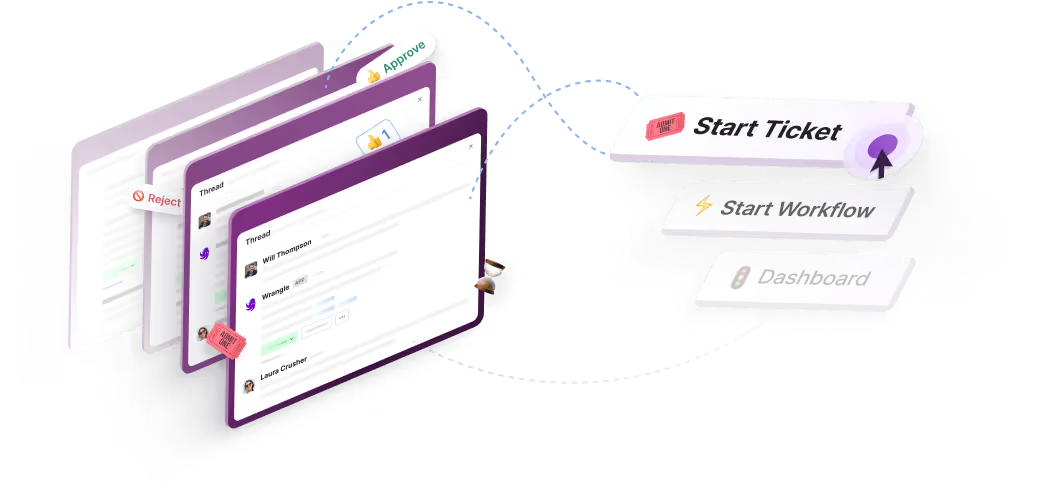
Create a scalable helpdesk in Slack. Automatically turn messages into trackable tickets and provide faster, more transparent service to your colleagues and customers with Wrangle — Try it free!
Wrangle learns from your tickets and knowledge base to handleup to 75% of Slack questions automatically.
4.7 Average rating