.svg)

HR Ticketing Systems: Top Tools for Employee Support
Compare HR ticketing systems for employee support. Find tools to track requests, automate workflows, and manage your HR team's workload.

Employees ask HR for help more often than any ticket log suggests. Most of those requests don't go through a tidy form. They land in chat threads, inboxes, and hallway conversations, and they are easy to lose.
A dedicated HR ticketing system is how teams stop losing them. This post defines the category, explains why HR teams adopt one, and compares the leading tools on the same criteria so you can match a system to how your team actually works.
What Is an HR Ticketing System?
An HR ticketing system captures, tracks, and routes employee requests so that each one has an owner and nothing falls through the cracks.
Those requests cover the daily work of an HR team: benefits questions, policy clarifications, onboarding tasks, access requests, and the dozens of smaller asks that arrive every week. Instead of living in someone's inbox or a buried thread, each request becomes a ticket with a status, a priority, and a person responsible for resolving it.
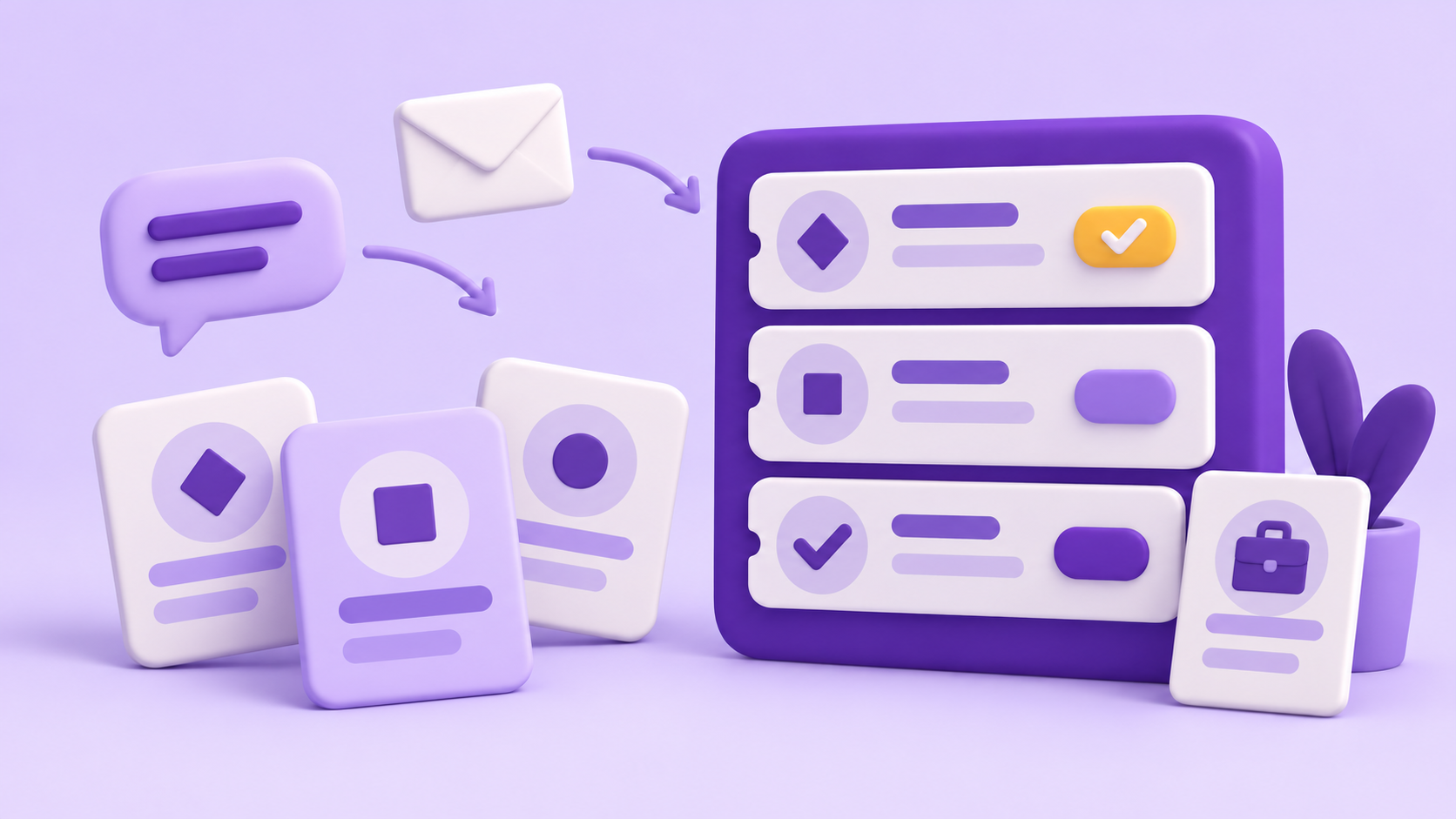
Where those requests start has shifted. Employees used to email HR or open a portal. Today many of them ask in Slack or Microsoft Teams, because that is where they already work. A good HR ticketing system meets that reality, turning a message into a tracked request without forcing the employee to go somewhere else to log it.
.png)
Why HR Teams Need One
Without a dedicated system, HR work is hard to see and harder to prove. Slow answers are usually a symptom of requests that were never properly tracked.
Here are the three problems a ticketing system solves for the teams most likely to need one:
- Requests get buried. An email or a Slack message scrolls out of view, and a benefits question or an access request goes unanswered until the employee follows up. A ticket holds the request until someone closes it.
- Nobody knows who owns what. When requests arrive across inboxes and channels, two people answer some and no one answers others. Clear ownership and status fix the duplication and the gaps.
- Workload is invisible when it matters most. When it is time to argue for another hire, "we're busy" is not evidence. Ticket data shows volume, response times, and open items, so staffing decisions rest on numbers instead of impressions.
How We Chose These Tools
We evaluated each tool against what the target reader actually needs. Does it work where employees already are, in Slack, Microsoft Teams, or email? Does it capture and track requests without making employees learn a separate portal? Does it support workflows for recurring HR tasks like onboarding, access requests, and approvals?
Can sensitive employee requests be submitted privately and viewed only by the appropriate people? And does it give HR managers visibility into volume, response times, and open items? Use these questions to compare the tools below and identify which capabilities to confirm with each vendor.
The 7 Best HR Ticketing Systems
The tools below offer different approaches to managing HR requests, from chat-based ticketing to broader service management platforms. Each entry explains what the tool does, how it supports HR teams, and where it may be a good fit.
Wrangle
Wrangle helps teams track requests across Slack, Microsoft Teams, and email, and it serves HR, IT, and operations teams from the places where requests already start.
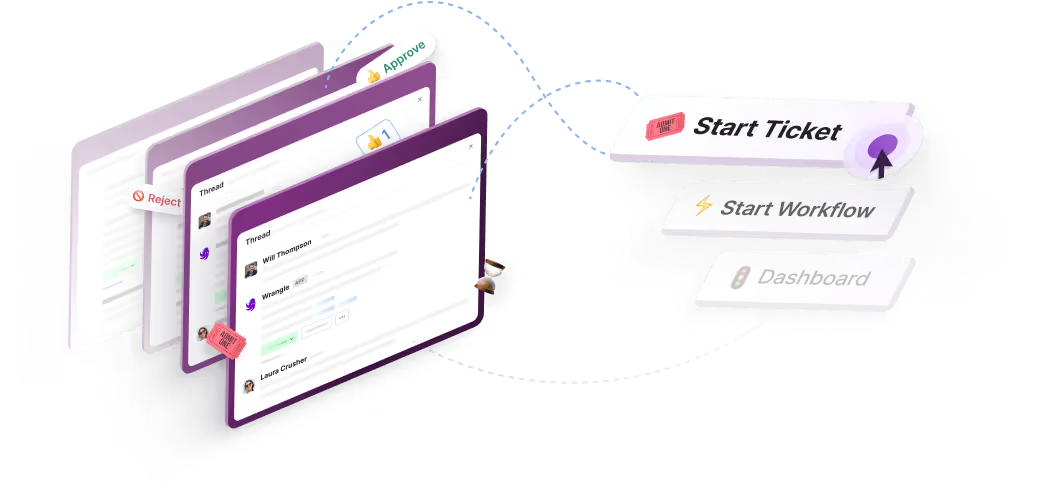
Conversational ticketing is the heart of how it works: an employee asks for help in a Slack or Microsoft Teams message, and that message becomes a tracked ticket with an owner, a status, and a priority, without anyone leaving the conversation or opening a portal.
For an HR team, three things matter. First, in Slack, recurring processes live alongside tickets: no-code workflows handle onboarding, access requests, and approvals with custom forms, assigned tasks, and conditional routing, and Wrangle keeps the audit trail without anyone chasing updates.
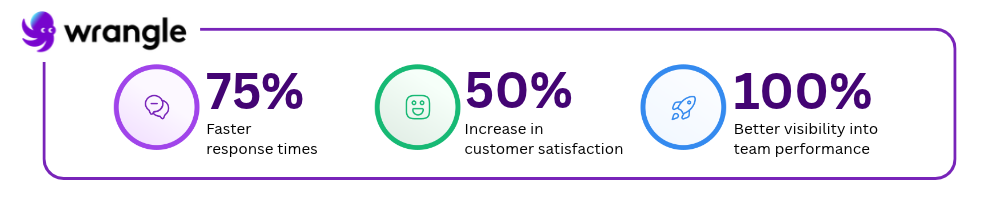
Second, in Slack, Wrangle AI answers common questions from connected knowledge like Notion and uploaded documents, and escalates to a person through a tracked ticket when it can't. Wrangle reports that its AI deflects more than 75% of common questions before they reach a human agent.
Third, managers get reporting on workload, response times, and bottlenecks, so the case for another hire rests on data. Wrangle is also the only tool in this set with a native Slack Workflow Builder integration.
Wrangle reports that customers have seen 60% faster ticket response times and a boost of 50% or more in satisfaction. One honest note on fit: AI features are on the Scale plan, not every plan, and custom AI agents or workflow builds are a separate services engagement rather than part of the subscription.
If your team doesn't work in chat or email at all, a portal-first tool may suit you better.
Suptask
Suptask is Slack-native ticketing built for teams that want to manage HR requests without leaving Slack. It turns messages into tickets inside the workspace, which keeps the request close to the conversation that started it.
Because it is centered on Slack, it fits teams whose HR work already happens there. A team that needs equal coverage across Microsoft Teams or a standalone portal should confirm that those channels meet their needs.
Zendesk
Zendesk is a general-purpose help desk designed for teams running both employee-facing and customer-facing support in one platform. A single system can hold HR tickets alongside IT or customer support.
That breadth also means it is not HR-specific out of the box. Teams that want HR workflows will typically configure them rather than find them ready-made.
Freshservice
Freshservice is a help desk and service management platform suited to mid-market teams expanding HR support alongside IT. It is built to handle service requests across departments from a shared foundation.
Its service-management roots show through, so HR teams get a system shaped first around IT practices. That fits organizations running HR and IT support together, and fits less well for HR teams that want a tool built around their own processes.
Jira Service Management
Jira Service Management is a service desk built for teams already using Atlassian tools, including HR teams that work alongside engineering. For organizations standardized on Jira, it keeps HR requests in the same environment as the rest of the company's work.
The trade-off is context. Teams not already in the Atlassian ecosystem take on more setup and a steeper learning curve than a chat-native tool would ask of them.
HappyFox
HappyFox is a multi-department help desk suited to organizations that want IT, HR, and operations requests in one shared system. It centralizes requests from several teams so they can be tracked together.
As a shared, multi-department system, it is general rather than HR-first. Teams wanting HR-specific workflows will set them up within a broader help desk model.
ServiceNow HR Service Delivery
ServiceNow HR Service Delivery is an enterprise platform designed for large organizations that need HR case management, compliance tracking, and governance at scale. It targets the complexity of large HR operations with formal process and oversight built in.
That scale is also the consideration. Its depth and governance suit large enterprises, and smaller teams may find more capability and setup than they need.
How to Choose an HR Ticketing System
The right choice depends less on feature lists than on how your team works. Weigh these questions.
- Where do your employees actually ask for help? If requests start in Slack or Microsoft Teams, a tool that captures them there keeps people where they already work. If your team lives in a portal or email, weigh that instead. The honest answer to this question narrows the field faster than anything else.
- Can sensitive employee requests be submitted privately and viewed only by the appropriate people? Benefits questions, medical information, and employee relations concerns may require restricted access. Confirm that employees can submit requests privately and that access to the ticket and its conversation can be limited to the appropriate HR staff.
- How large is your team, and how much volume do you handle? A small HR team drowning in a shared inbox needs clear ownership and tracking first. A large organization with compliance obligations may need case management and governance built for scale.
- Do you need workflow automation alongside ticketing? Onboarding, access requests, and approvals are recurring processes, not one-off questions. If those eat your week, look for a tool that automates them in the same place it tracks tickets, rather than bolting on a second system.
- Does AI deflection matter to you? If a large share of requests are the same common questions, AI that answers from your own knowledge base and escalates the rest can free real time. If your requests are mostly complex and case-specific, deflection matters less than clean routing and tracking.
Ready to see how this works in practice? Wrangle turns HR requests into tracked tickets inside Slack and Microsoft Teams and gives managers visibility into the team's workload. In Slack, it also automates onboarding and access workflows. Start a free trial and see how your team's requests look when every one of them has an owner.
Wrangle learns from your tickets and knowledge base to handleup to 75% of Slack questions automatically.


4.7 Average rating


Turn Slack into a productivity powerhouse with Wrangle
Create a scalable helpdesk in Slack. Automatically turn messages into trackable tickets and provide faster, more transparent service to your colleagues and customers with Wrangle — Try it free!
Wrangle learns from your tickets and knowledge base to handleup to 75% of Slack questions automatically.
4.7 Average rating