Slack Agents: What They Are and How Teams Use Them
Learn what Slack agents do and how teams use them to answer questions, route tickets, automate workflows, and hand off to humans.

If you lead an IT, HR, ops, or support team that already lives in Slack, you've probably heard "AI agents" come up more than once. The term gets used loosely, so it's worth pinning down what it actually means inside a workspace and what it changes about the way requests get handled.
This post walks from the definition through to the practical use cases, so you can decide whether a Slack agent belongs in how your team works.
What a Slack Agent Is
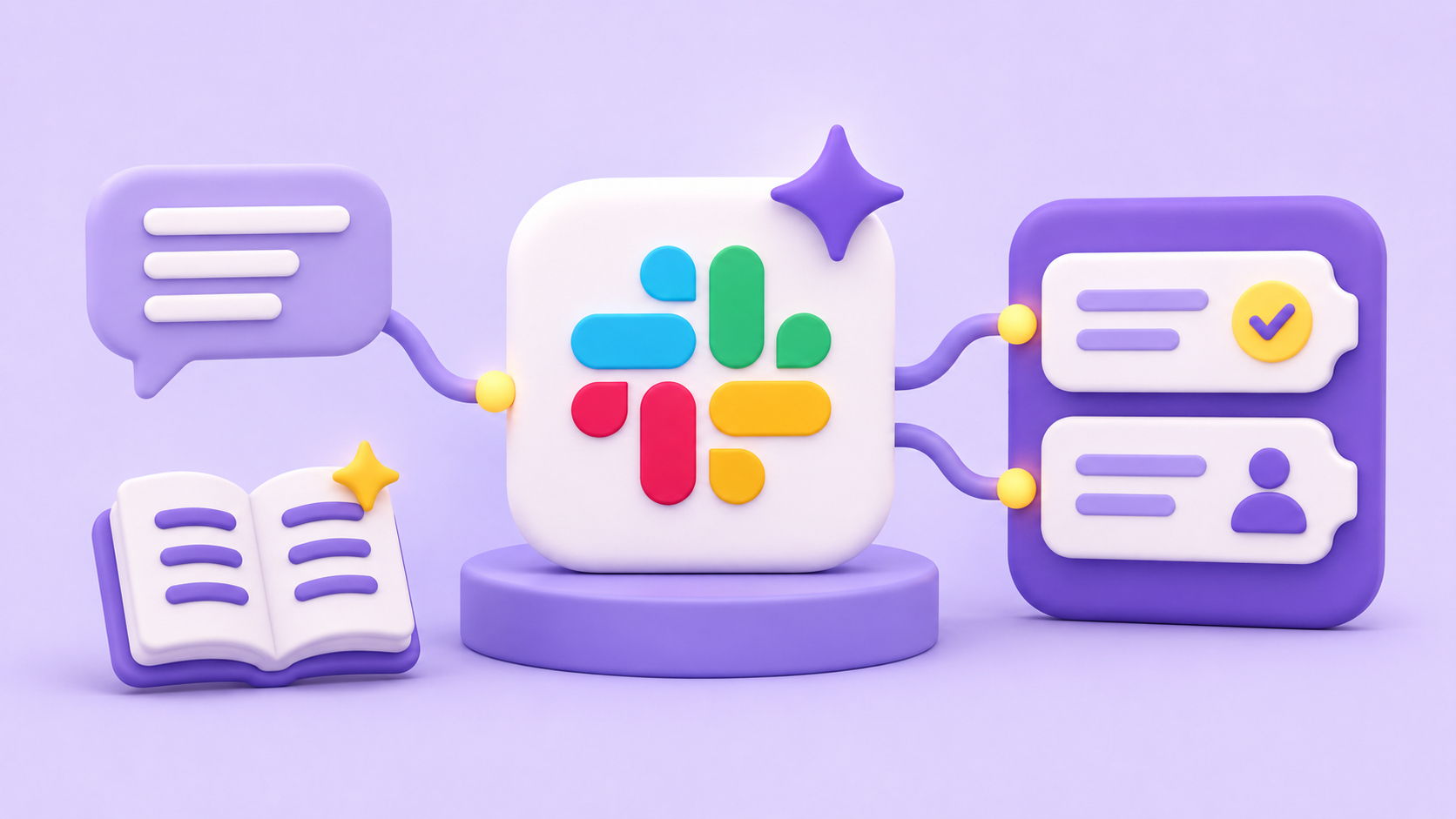
A Slack agent is software that works inside your Slack workspace: it can read what's happening, reason about it, and take action without a person driving each step. Someone asks a question in a channel, and the agent reads the message, pulls an answer from a connected source, and responds. Or it captures the request, decides where it should go, and routes it.
That's the shift. An agent doesn't just wait for an exact command. It interprets a natural-language message, works out what's being asked, and chooses the next action.
Keep the scope honest, though. An agent handles discrete steps well: answering, routing, kicking off a process. It doesn't run a whole business process end to end on its own, and you should be wary of anyone who tells you it does.

Agents vs. Bots: The Practical Difference
A bot fires a fixed response to a trigger. Type a keyword, get the canned reply. It's useful, but it only does what it was explicitly told to do, and it breaks the moment the input doesn't match the pattern.
An agent reads context instead. It looks at the message, the thread, and what it knows, then determines the right action rather than matching against a script. It can also chain steps together: answer a question, and if that doesn't resolve things, open a ticket and route it.
The practical difference is judgment. A bot reacts. An agent decides what to do next.
How Agents Work Inside Slack
Agents show up where people already are. They surface in direct messages or channels, take a natural-language message, and respond or act on it. Nobody has to open a separate tool or go find a portal, which is the whole point of putting them in Slack.
Underneath, an agent connects to something: a knowledge source like documentation or a wiki, or a back-end system that holds tickets and workflows. That connection is what lets it answer with real information and act on real records rather than guessing.
And when it hits something it can't handle, it hands off to a person. The agent knows its own edge, which keeps it from faking an answer it doesn't have.
What Agents Can Perceive and Act On
An agent in Slack can read the messages sent to it, the thread it sits in, and structured input like a form submission. That's its view of what's being asked.
On the action side, it can answer from connected knowledge, create a ticket, trigger a workflow, or hand the request to the right person. Each of those is a concrete, bounded step.
Hold the expectation there. What an agent does is only what it's been connected and configured to do, not an open-ended promise to handle anything.

How Escalation Works
Escalation is where agents earn trust. When the agent reaches the limit of what it can resolve, it passes the request to a human, and it does it inside the same thread.
The conversation continues in one place. The requester doesn't restate the problem, and the person picking it up sees the full context already sitting above them.
Most of the friction in support is the back-and-forth of re-explaining. Keeping everything in one thread removes it.
How Teams Are Using Slack Agents
The use cases below are the ones team leads ask about most. Each starts as a familiar problem and ends with what the agent does about it.
Handling Inbound Requests and Support Tickets
This is the most direct use for this audience. Requests land in Slack all day, and in a busy channel they scroll away before anyone acts on them.
An agent captures the request the moment it comes in. It answers what it can from connected knowledge, and routes the rest to the right person as a tracked ticket with an owner and a status.
Nothing depends on someone happening to see the message. The request is caught, owned, and followed up, which is the difference between a channel and a help desk.
Automating Recurring Workflows
Access requests, onboarding steps, purchase approvals: these are the processes that eat time because somebody has to chase each handoff. An agent can carry that load.
It collects the information through a form, routes the request to the right approver, and follows up when a step stalls. The handoffs happen without a person managing them by hand.
What you get is a recurring process that runs on its own track, with a record of who decided what and when.
Answering Questions from a Knowledge Base
Teams field the same internal questions over and over: a benefits policy, a process step, a bit of IT troubleshooting. Each one is small, and together they consume your subject-matter experts.
An agent answers those from connected knowledge, so the common questions get a fast, consistent reply without a human in the loop. The experts get their time back for the questions that actually need them.
Supporting External Customers Over Slack Connect
Agents aren't only for internal teams. B2B support and customer success teams use them in Slack Connect channels, where customers ask questions in a shared space.
The agent handles what it can and escalates the rest, while keeping the customer conversation tied to the internal ticket. Your team tracks and resolves the work without the customer ever leaving the channel they're already in.
Where Wrangle Fits
Wrangle is a working example of this: AI-powered ticketing and workflow automation for internal and external teams across Slack, Microsoft Teams, and email. It's the ready-made answer for teams that want a Slack agent for request and ticket handling without building one themselves. Slack itself profiles Wrangle in a customer story about turning Slack into a ticketing system that doesn't feel like one.
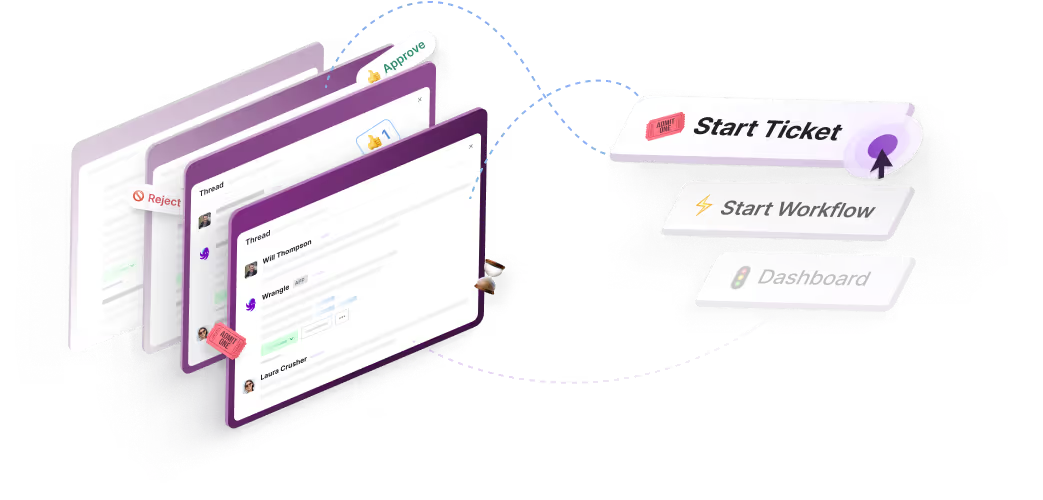
Here's how it maps to what we've covered. Requests from Slack, Microsoft Teams, and email become tracked tickets with owners, statuses, priorities, routing, and SLAs.
Wrangle AI answers common questions from connected knowledge like Notion, web pages, and uploaded documents, and when it can't resolve something, the same conversation becomes a tracked ticket handed to a person. Wrangle reports that its AI deflects more than 75% of common questions before they reach a human agent.
For the questions that do reach an agent, Copilot suggests a reply drawn from the knowledge base and past tickets, and the agent reviews, edits, and sends it. The requester never leaves the thread, and the person picking it up has the full context. Wrangle reports customers have seen 60% faster ticket response times and a boost of 50% or more in customer satisfaction.
The workflow side sits in the same product. No-code processes like onboarding, access requests, and approvals run on custom forms, assigned tasks, approval steps, and conditional routing, so recurring work lives alongside your inbound requests instead of in a separate tool. Where Slack workflows matter, Wrangle is the only one of its competitors with a native Slack Workflow Builder integration.
Wrangle also works outside its own Slack app. Compatible AI assistants such as Claude, ChatGPT, and Slackbot can connect through the Wrangle MCP server to search tickets, pull reports, and create or update requests in plain language.
Wrangle's MCP support also connects requests to action across your tools: an assistant can use a request's context and approvals in Wrangle to carry out work in a connected system, then update the ticket when it's done. Wrangle's API and webhooks cover the system-to-system side, letting other tools start workflows and update tickets, and letting Wrangle notify those tools when a ticket changes.
A couple of practical notes. Wrangle isn't Slack-only: it works across Microsoft Teams and email too, so you aren't locked to one surface. And the AI features described here are on the Scale plan.
The payoff for a team lead is the one you came looking for. Your team stays in Slack without context switching, nothing slips through a busy channel, and you get real visibility into what's coming in and how fast it's handled. If that's the shift you're weighing, Wrangle is a direct way to see what a Slack agent does in practice.
Wrangle learns from your tickets and knowledge base to handleup to 75% of Slack questions automatically.


4.7 Average rating


Turn Slack into a productivity powerhouse with Wrangle
Create a scalable helpdesk in Slack. Automatically turn messages into trackable tickets and provide faster, more transparent service to your colleagues and customers with Wrangle — Try it free!
Wrangle learns from your tickets and knowledge base to handleup to 75% of Slack questions automatically.
4.7 Average rating